What you’ll need
Before you start
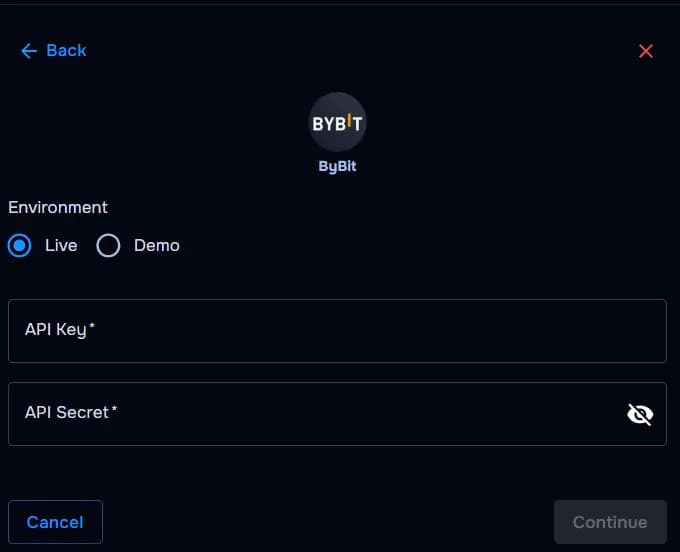
API key
Generated inside Bybit API management for TraderWaves.
API secret
Shown once — store securely until pasted into TraderWaves.
Demo or live environment
Confirm whether you’re connecting demo trading or live portfolio data — mismatched keys won’t sync.
Read-only guardrails
Withdrawals and trading execution stay disabled — journaling only.
How the connection works
Overview
TraderWaves calls Bybit’s REST APIs with your API key pair, validates read scopes, and pulls fills into your crypto portfolio tracker automatically.
Step-by-step setup
Walkthrough
- Open Bybit API management.
- Create TraderWaves-labelled keys with read-only trading + positions.
- Add unified trading read scope if you mix spot and derivatives.
- Copy API key + secret (secret shown once).
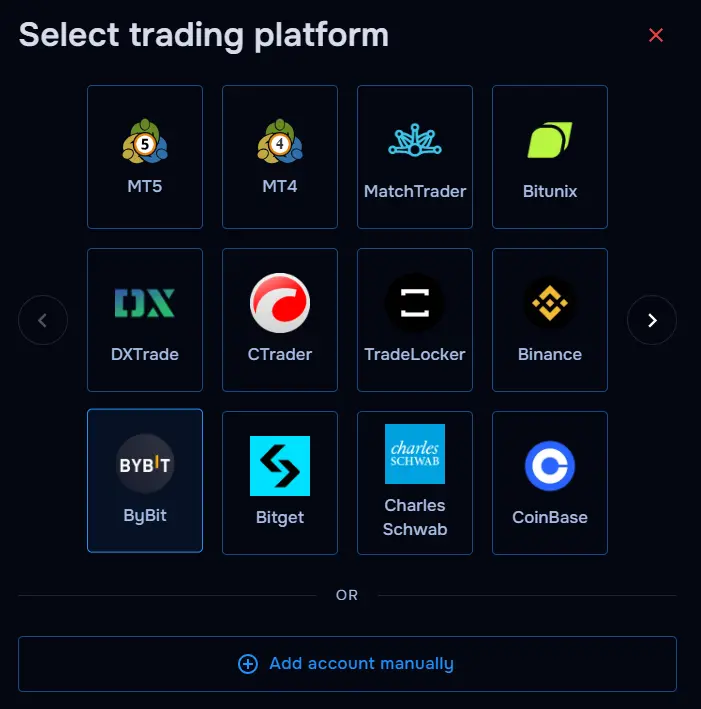
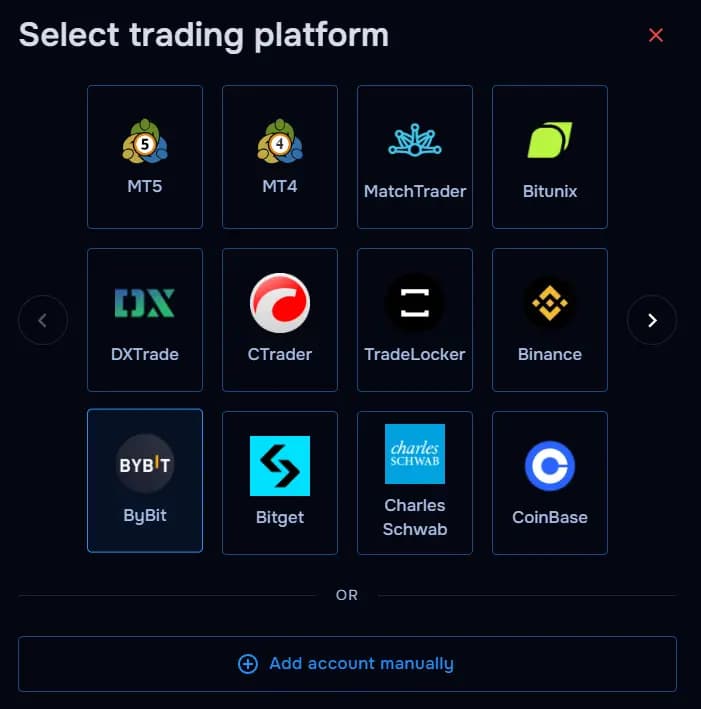
- Paste into TraderWaves Bybit connector.
- Run verification and wait for historical import.
What happens after connecting
After sync
Analyse your Bybit crypto trades and review performance inside your TraderWaves crypto trade journal.
Security and permissions
Trust & access
Never grant withdrawal or transfer permissions; rotate keys quarterly or after hardware changes.
Prefer manual trade tracking?
TraderWaves also supports manual trade journaling when you want full control over how trades are logged.
Troubleshooting
Common issues
Invalid API secret
Likely cause: Secret mis-copied or regenerated.
Suggested fix: Create a fresh API pair and update TraderWaves.
Missing futures scope
Likely cause: Positions invisible because derivatives read disabled.
Suggested fix: Edit API permissions to include contract reads.
IP binding failures
Likely cause: TraderWaves egress IP not allowlisted.
Suggested fix: Adjust IP restrictions or use unrestricted keys cautiously.
Unified account quirks
Likely cause: UTA migration changed permission names.
Suggested fix: Re-sync scopes using Bybit’s latest API checklist.
FAQs
Quick answers
Does TraderWaves require withdrawal permissions for Binance API keys?
No. TraderWaves only requires read-only API permissions to sync Binance Futures trades and portfolio activity into your crypto trade journal.
Can I track Binance Futures trades in my crypto trade journal?
Yes. TraderWaves supports Binance Futures trade syncing so you can analyse positions, review performance, and journal your crypto trading activity automatically.
Can I use TraderWaves without connecting Binance API keys?
Yes. TraderWaves also supports manual crypto trade journaling if you prefer not to connect your Binance account directly.
What happens if I rotate or regenerate my Binance API keys?
If you update or regenerate your Binance API keys, simply reconnect the new keys inside TraderWaves to continue syncing trades without interruption.