What you’ll need
Before you start
cTrader credentials
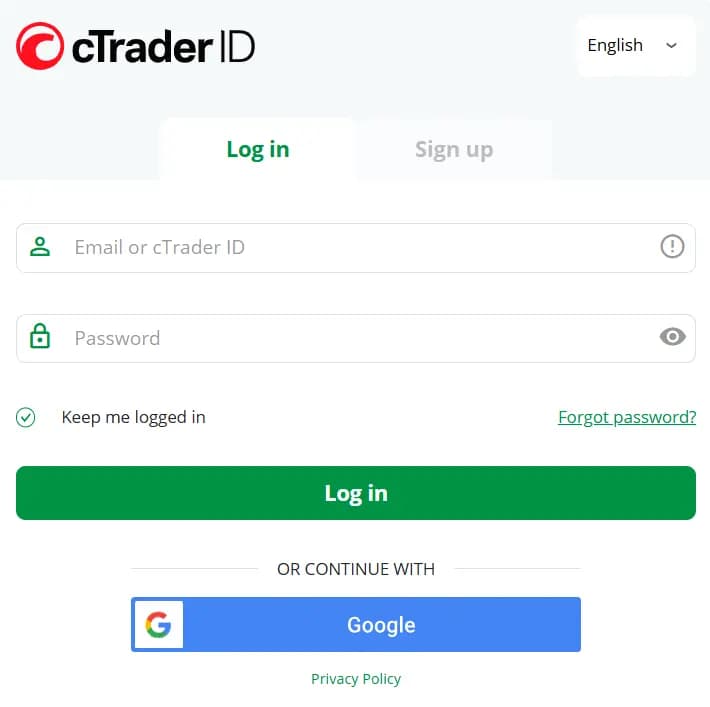
Either log in with your cTrader login and password or via Google.
OAuth approval
Approve TraderWaves scopes — passwords stay on cTrader-hosted pages.
How the connection works
Overview
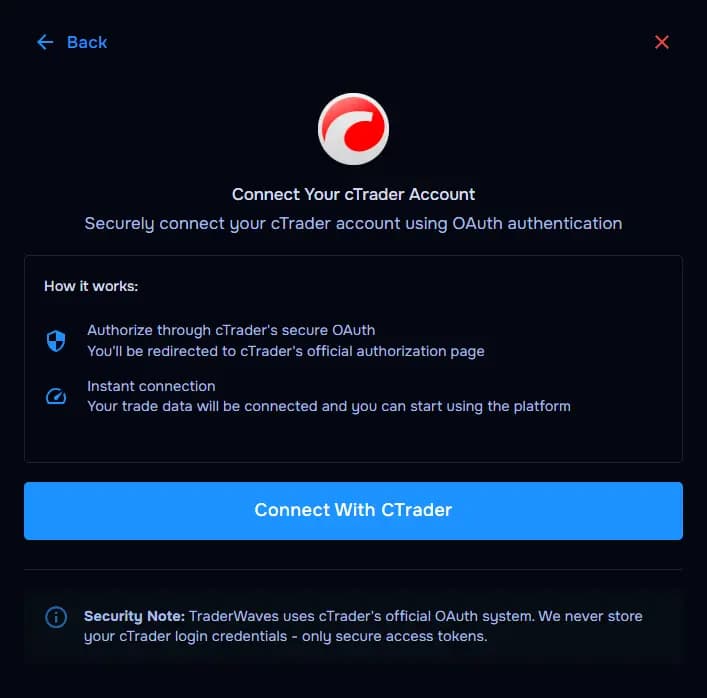
TraderWaves launches cTrader OAuth; tokens authorize recurring sync without storing your password in TraderWaves forms.
Step-by-step setup
Walkthrough
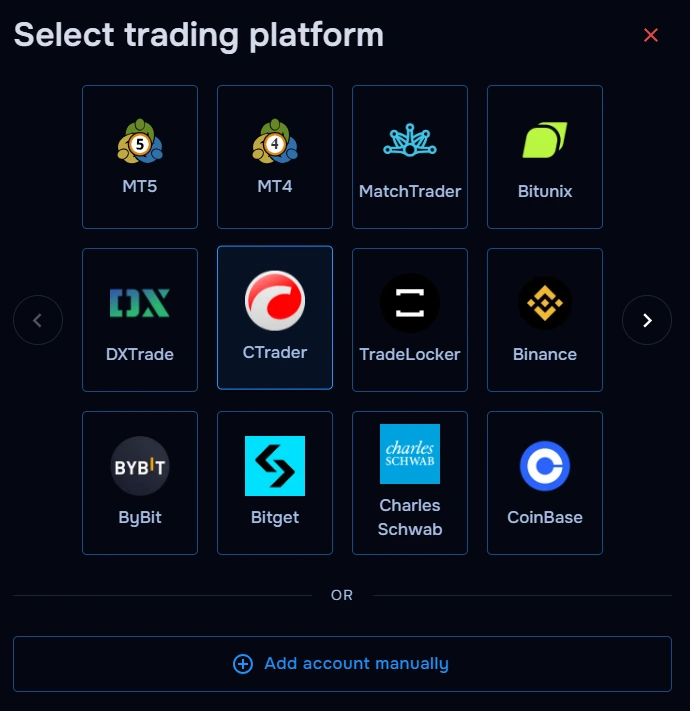
- Select cTrader inside TraderWaves.
- Click Connect with cTrader to open the official cTrader login screen
- Complete the login process on cTrader either with your email and password or via Google.
- Choose the correct trading account if prompted.
- Return to TraderWaves after the redirect succeeds.
What happens after connecting
After sync
Sessions import into your trade journal; analytics/charts/alerts reflect eligible activity.
Security and permissions
Trust & access
TraderWaves uses cTrader's official OAuth system. We never store your cTrader login credentials — only secure access tokens.
Prefer manual trade tracking?
TraderWaves also supports manual trade journaling when you want full control over how trades are logged.
Troubleshooting
Common issues
Popup blocked
Likely cause: Browser suppressed OAuth window.
Suggested fix: Allow popups for TraderWaves and retry.
Authorization cancelled
Likely cause: Consent closed before completion.
Suggested fix: Restart flow from TraderWaves.
Wrong account selected
Likely cause: Multiple accounts authorized unintentionally.
Suggested fix: Disconnect and reauthorize the intended wallet.
Redirect stuck
Likely cause: Extensions or tracking protection blocked return URL.
Suggested fix: Retry in a clean window or pause aggressive blockers briefly.
Trades not syncing
Likely cause: Token expired or backlog processing.
Suggested fix: Verify authorization status; wait for first sync.
FAQs
Quick answers
How does the cTrader connection work?
TraderWaves uses cTrader’s secure OAuth connection flow, meaning you log in through cTrader directly without manually entering trading credentials into TraderWaves.
Do I need API keys for cTrader?
No. cTrader connections use OAuth authentication instead of API keys, making setup faster and easier for most traders.
Can I connect multiple cTrader accounts?
Yes. You can connect multiple cTrader accounts and manage them separately inside TraderWaves.
Does TraderWaves support prop firm cTrader accounts?
Yes. Many prop firms using cTrader are supported, allowing you to sync trades into TraderWaves for journaling and analytics.
What happens after connecting cTrader?
Once connected, your cTrader trades can automatically sync into TraderWaves for performance tracking, journaling, analytics, and trade review.
Is the cTrader connection secure?
Yes. cTrader uses secure OAuth authorization, so TraderWaves never directly stores your cTrader login password.